How do I book a conference room?
To reserve a conference room, please visit bookings.scottdatacenter.com.
You must have badge access to reach these conference rooms, and all visitors must be escorted.
Which conference rooms are available?
The available conference rooms are listed below:
Four 3
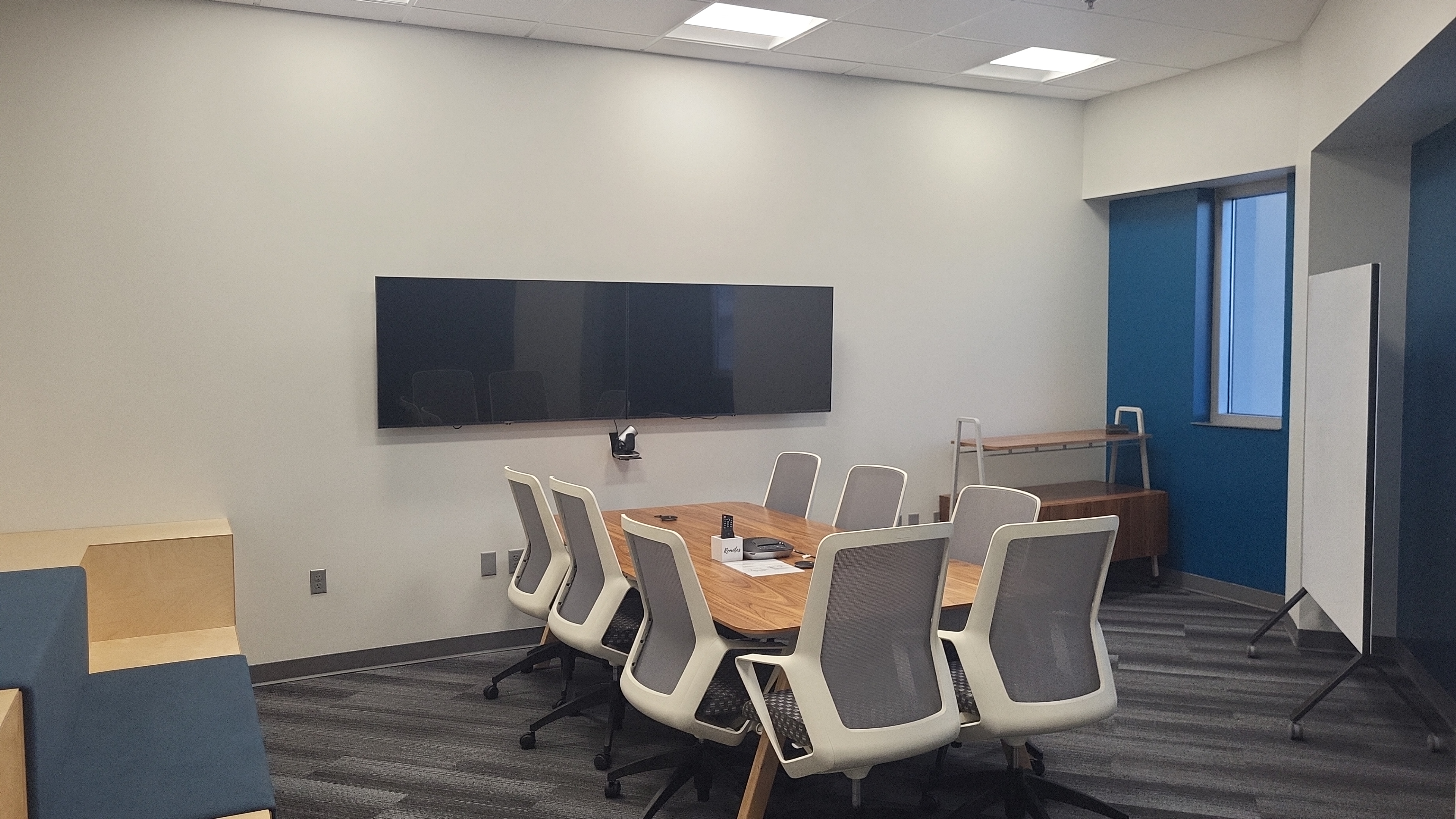
- Location: Scott Data Technology Center, Floor 3, Room 307
- Capacity: 8+ (additional gallery seating)
- Features:
- Movable dry-erase board (markers not guaranteed)
- USB-C cable for video and conferencing connection
- Logitech Conference Group (see attached Reference Guide for instructions)
- Availability: Conference Room Four 3
P2000
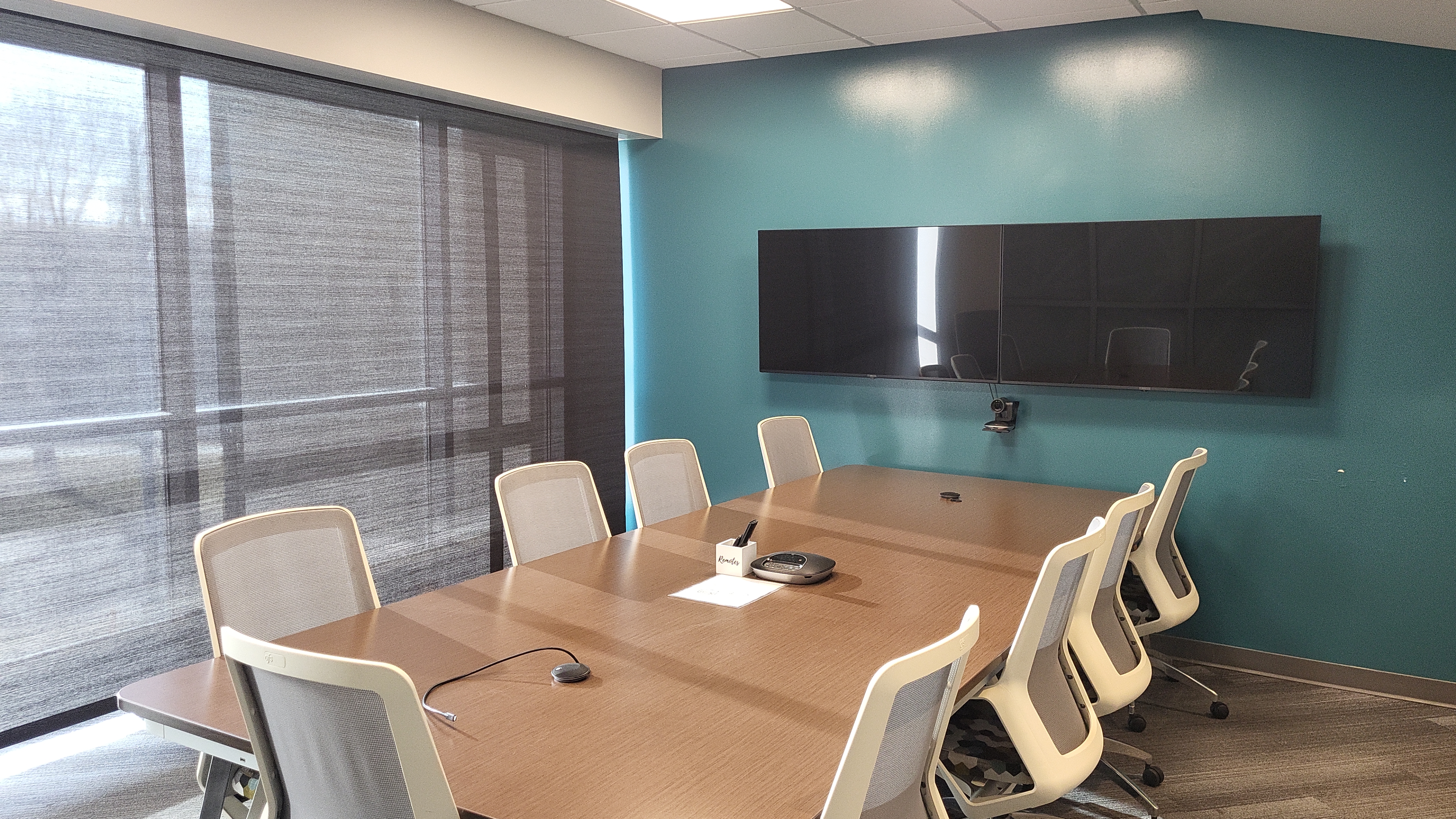
- Location: Scott Data Technology Center, Floor 2, Room 216
- Capacity: 10
- Features:
- Movable dry-erase board (markers not guaranteed)
- USB-C cable for video and conferencing connection
- Logitech Conference Group (see attached Reference Guide for instructions)
- Availability: Conference Room P2000
Stoli
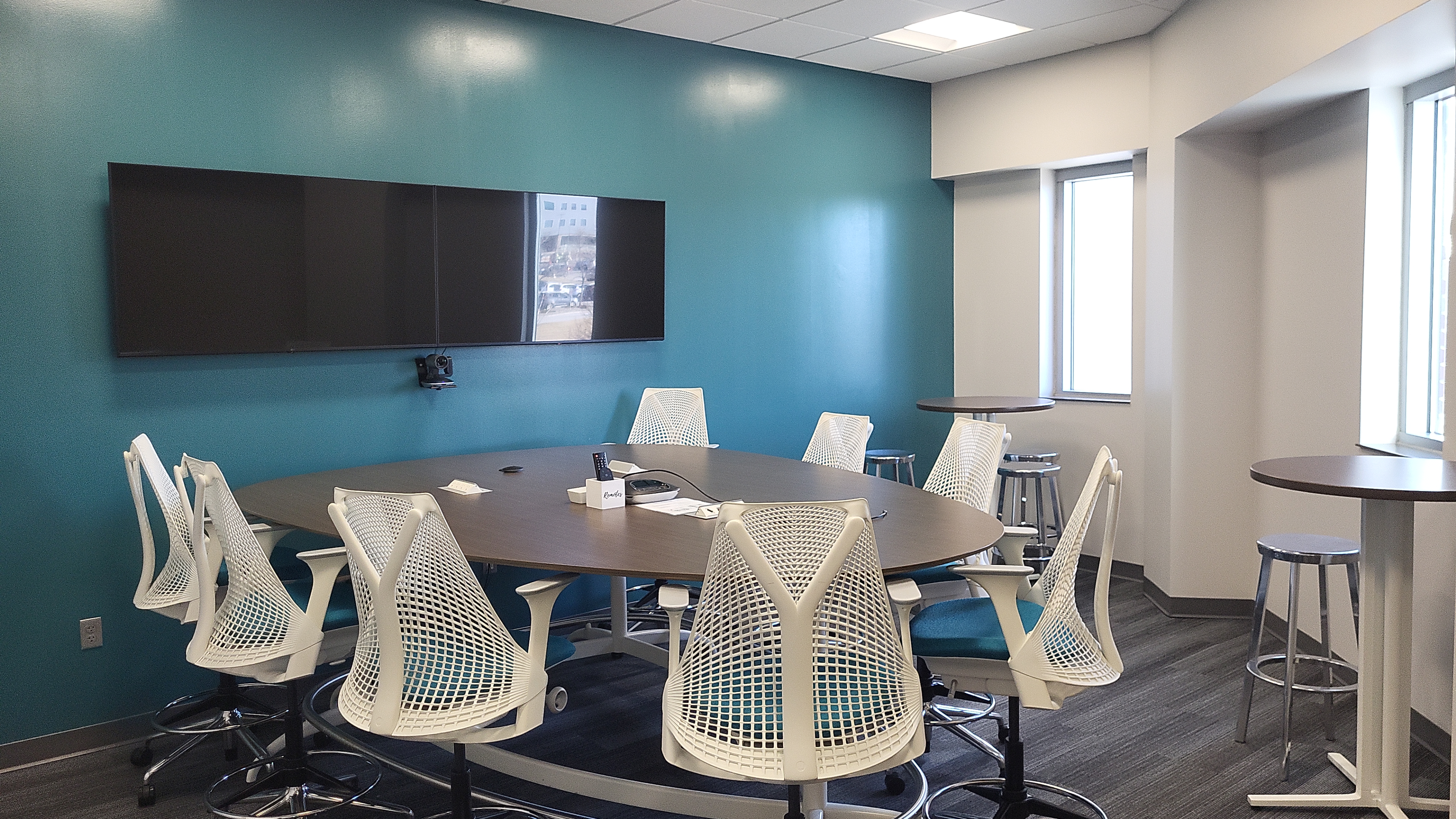
- Location: Scott Data Technology Center, Floor 2, Room 207
- Capacity: 8+
- Features:
- Movable dry-erase board (markers not guaranteed)
- USB-C cable for video and conferencing connection
- Logitech Conference Group (see attached Reference Guide for instructions)
- Availability: Conference Room Stoli
W
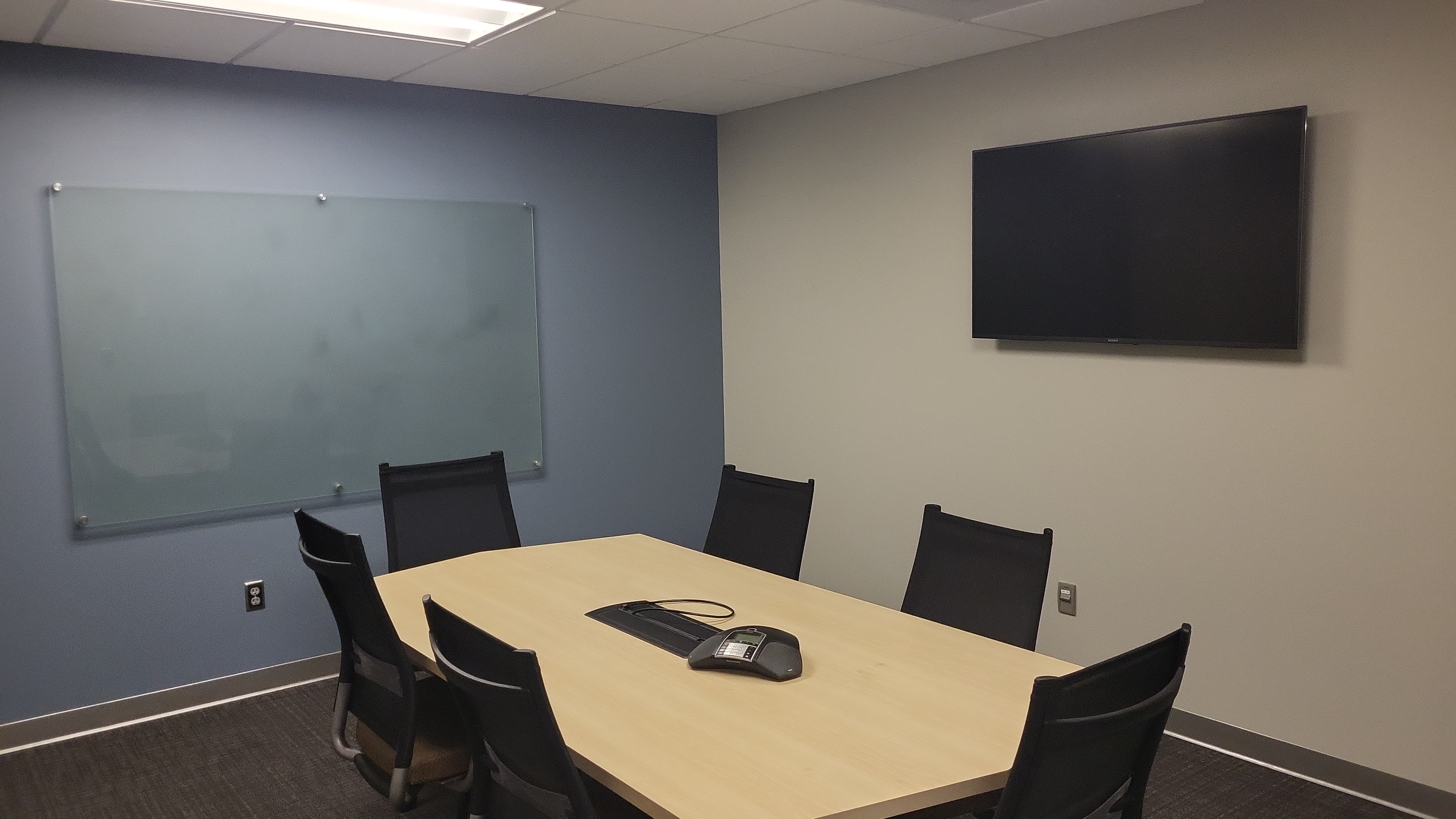
- Location: Scott Data Center, Room 107
- Capacity: 6
- Features:
- Glass dry-erase board (markers not guaranteed)
- Video connection via HDMI cable
- Access restricted to data center tenants
- Phone: 402-502-6016
- Availability: Conference Room W
Classroom
- Location: Tech Center, Floor 1, Room 102
- To reserve the classroom, email the Scott Data Growth Operations team at GoTeam@scottdatacenter.com.
- If a specific classroom set up or table and chairs configuration is required, include your preferred layout in the request.